Why Your Neck Hurts More on Video Call Days
Quick Answer: Video calls hurt your neck more than typing for three reasons: you hold one static posture for far longer because you are visible, you tilt your head toward a camera that is usually below eye level, and you stop the small position changes that normally redistribute load. Every inch of forward head position adds roughly 10 pounds of effective load on the neck extensors. The fix is camera height, a 20-minute reset, and permission to move on camera.
Four hours of writing leaves you fine. Four hours of meetings leaves you rubbing the base of your skull at 4pm.

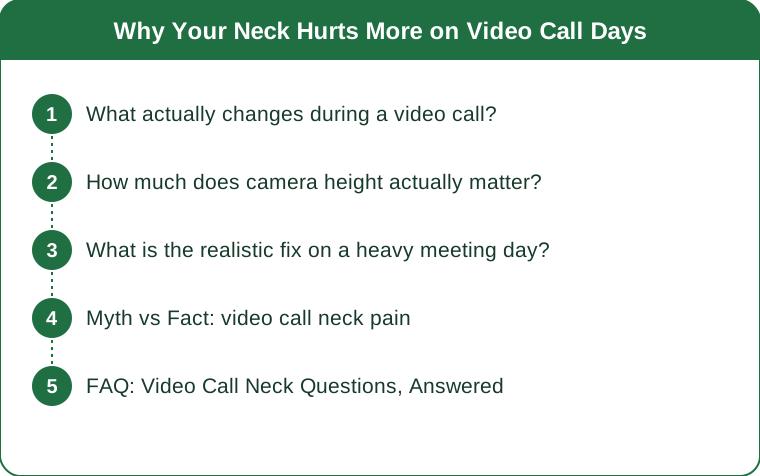
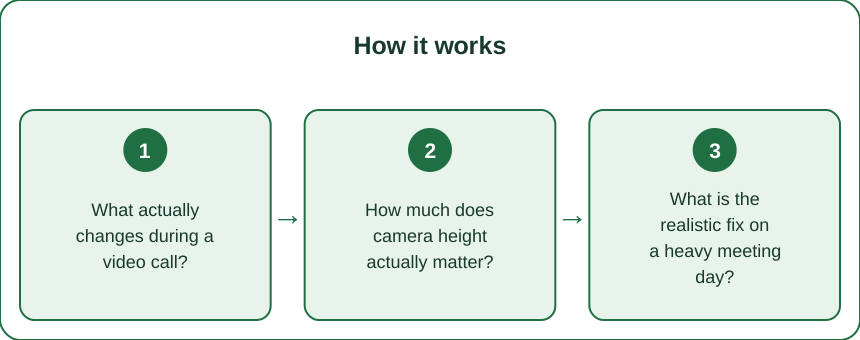
What actually changes during a video call?
Three things, and they compound.
You stop moving. When typing, you shift constantly - lean back, scratch, reach for coffee, look out the window. On camera, most people freeze into a single presentable posture and hold it. Static loading fatigues muscle far faster than dynamic loading, even when the static position is a good one. The unmoving good posture is more tiring than the moving mediocre one.
You tilt toward the camera. A laptop camera sits well below eye level, so people lean and angle their heads toward it, especially while speaking. That forward-and-down head position is the highest-load position the neck can be in during desk work.
You hold facial and jaw tension. Being watched produces low-level tension through the jaw, upper traps, and around the eyes. It is small, and it runs for the entire call.
Add a fourth on heavy days: you skip the breaks. Back-to-back calls remove the natural pauses that would have reset everything. A typing day has dozens of micro-breaks you never notice. A meeting day can have none at all.
How much does camera height actually matter?
More than any other single variable, and it is the cheapest thing to fix.
The load math is stark. A neutral head weighs 10 to 12 pounds on the neck. Tilt forward 15 degrees and effective load rises to roughly 27 pounds; at 45 degrees it is closer to 49. A laptop on a desk typically puts your head somewhere in that first range for hours.
Raise the camera to eye level or just below. The top of the screen should sit at or slightly under eye height, so your gaze angles down a few degrees but your head stays level. A stack of books works exactly as well as a stand.
But raising the laptop breaks your typing. This is the catch nobody mentions. Raising the screen puts the keyboard too high, which creates a shoulder problem to replace the neck problem. A raised laptop needs a separate keyboard and mouse - the two changes only work as a pair.
External monitor users are not exempt. If your webcam sits on top of a monitor that is too low, or you are looking at a second screen off to one side during calls, you get a rotated-and-tilted position that is worse than straight-ahead forward head. Whatever you look at most during calls should be directly in front of you.

What is the realistic fix on a heavy meeting day?
You cannot restructure the calendar, so change what happens inside and between calls.
Set a 20-minute movement rule and honor it on camera. Sit back fully, roll the shoulders, look away from the screen. Nobody minds, and nobody remembers. The belief that you must remain perfectly still while visible is the actual injury mechanism, and it is self-imposed.
Use the audio-only portions. Most calls have long stretches where you are listening. Stand up. Walk. Camera off if the culture allows, and if not, standing is perfectly normal on video.
Reset between calls with two movements, not ten. A chin tuck - drawing the head straight back over the shoulders, holding five seconds, five times - plus a doorway chest opener for 30 seconds. That is under a minute and directly counteracts what the call did.
Move the water bottle out of reach. A refill every hour forces standing, and forced standing beats intended standing.
Protect the last hour. Neck pain from meeting days usually presents in the late afternoon, which means the load accumulated earlier. If you have any control over scheduling, put the unavoidable back-to-back block in the morning and leave the afternoon with gaps.
Myth vs Fact: video call neck pain
Myth: Good posture means holding still in the correct position.
Fact: There is no position the body tolerates indefinitely. The best posture is the next one - variety matters more than any individual alignment. Perfect stillness in ideal alignment still produces fatigue.
Myth: A better chair will fix it.
Fact: Chairs address the pelvis and lower back well. Neck load on video calls is driven by screen height and head position, which a chair cannot change. Fix the camera height first, then worry about the chair.
Myth: Stretching more will solve it.
Fact: Stretching gives temporary relief and then stops working if the load keeps returning - which is why desk stretches feel effective for two weeks and then do not. Reduce the load, then stretch. Order matters.
Myth: It is the screen time causing eye and neck strain equally.
Fact: They are separate problems with separate fixes. Eye strain responds to distance and blink rate; neck strain responds to head position and movement frequency. Fixing one does not fix the other.
Myth: Standing during calls solves it.
Fact: Standing helps if the screen is at the right height when standing. If you stand and then look down at a laptop on a low desk, you have simply reproduced the same neck angle while tiring your feet.
FAQ: Video Call Neck Questions, Answered
Why does it hurt at the base of my skull specifically?
That is where the suboccipital muscles attach, and they work hardest holding the head against forward tilt. A day of sustained forward head position loads them continuously, and they are small muscles doing a job they were not built to do for six hours.
Is a laptop stand enough on its own?
Only with an external keyboard. A stand alone raises the screen and the keyboard together, trading neck strain for shoulder and wrist strain. The pair costs little and solves the whole problem.
How long until the change makes a difference?
Most people notice a meaningful difference within one to two weeks of fixing camera height and adding movement breaks. If pain persists beyond a few weeks despite those changes, or if you have numbness, tingling, or arm weakness, see a professional rather than adjusting your desk again.
Does air conditioning make this worse?
It can. Cool air blowing directly on the neck and shoulders during long static periods contributes to muscle guarding, which is worth knowing in late summer when the AC is still running hard. Redirecting the vent is a genuinely useful adjustment.
This is general information, not medical advice.
TL;DR:
- Video calls add three loads typing does not: prolonged stillness, a low camera, and sustained low-level tension.
- Every 15 degrees of forward head tilt roughly doubles the effective load on your neck - camera height is the highest-value fix.
- Raise the screen only with an external keyboard, or you trade a neck problem for a shoulder one.
- Move every 20 minutes on camera anyway; the belief that you must sit perfectly still is the actual mechanism.
What makes meeting days deceptive is that they feel physically easier than working days - you are just sitting and talking. The load is real, it is static, and it accumulates in exactly the muscles least equipped to handle it. Change the height and give yourself permission to move, and the 4pm ache mostly stops arriving.
Keep Reading
This article is for general informational purposes only and is not medical advice. Always consult a qualified health professional for guidance specific to you.